Scene wallpapers
Light, particles, and interactive details bring your screen to life. Supports the Wallpaper Engine scene format.1
 motiscape
Bring the worlds you love to your Mac.
Continue your Wallpaper Engine experience from Windows.
Let your Mac wallpaper respond to your mouse.
Motiscape brings live wallpapers, discovery, and easy organization to the Mac you know.
Live wallpapers
Scenes, videos, and web pages.
Three ways to make your desktop yours.
Light, particles, and interactive details bring your screen to life. Supports the Wallpaper Engine scene format.1
Turn favorite videos into looping views. Import local files and adjust playback speed, volume, and how the picture fills your screen.
Take ideas beyond the browser. Supports HTML wallpapers, mouse interaction, and customizable wallpaper properties.
Your wallpaper library
Search, filter, save, and apply with a click.
Spend less time searching. More time enjoying.
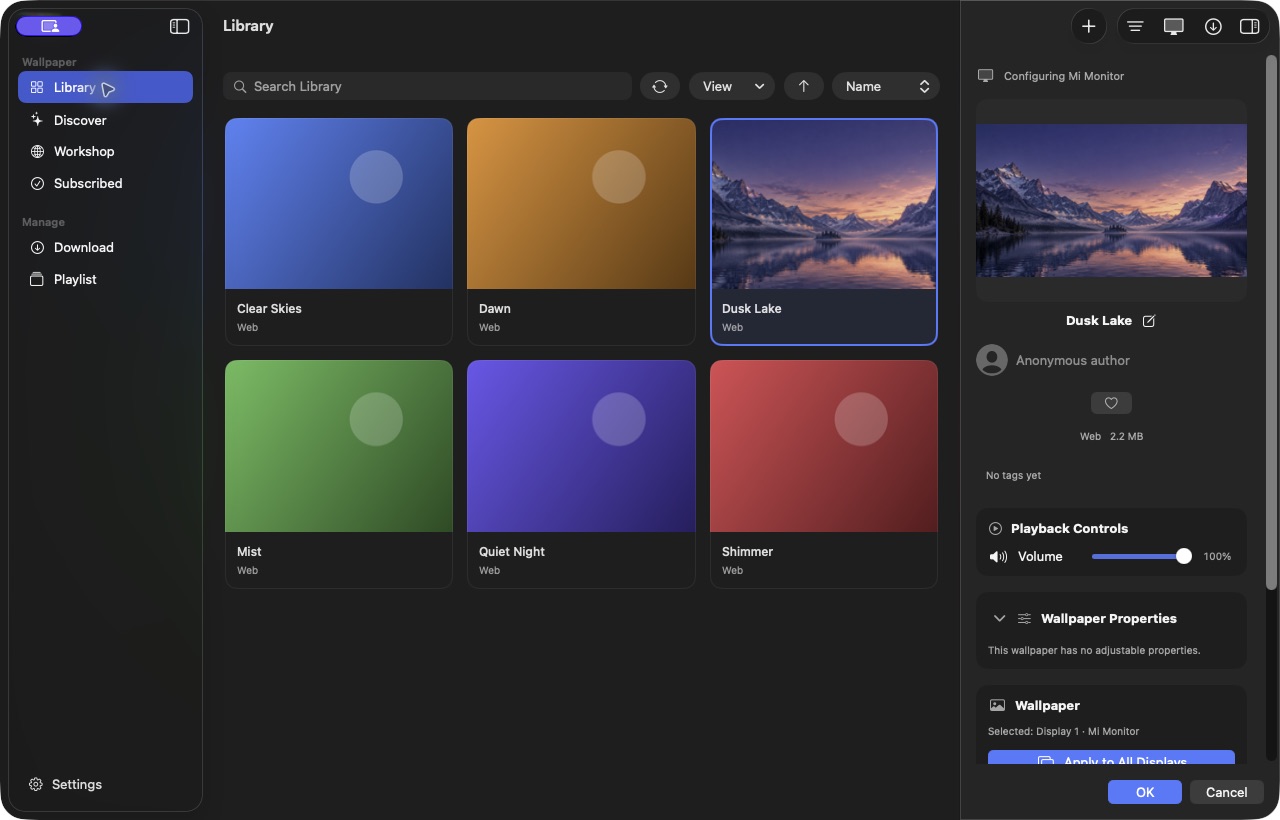 Motiscape 1.4.34 · Demo wallpapers
Local videos and wallpaper projects,
together in one library.
Filter by type, source, and tags.
Keep your favorites within reach.
Volume, speed, and positioning.
Every detail is up to you.
Discover more inspiration
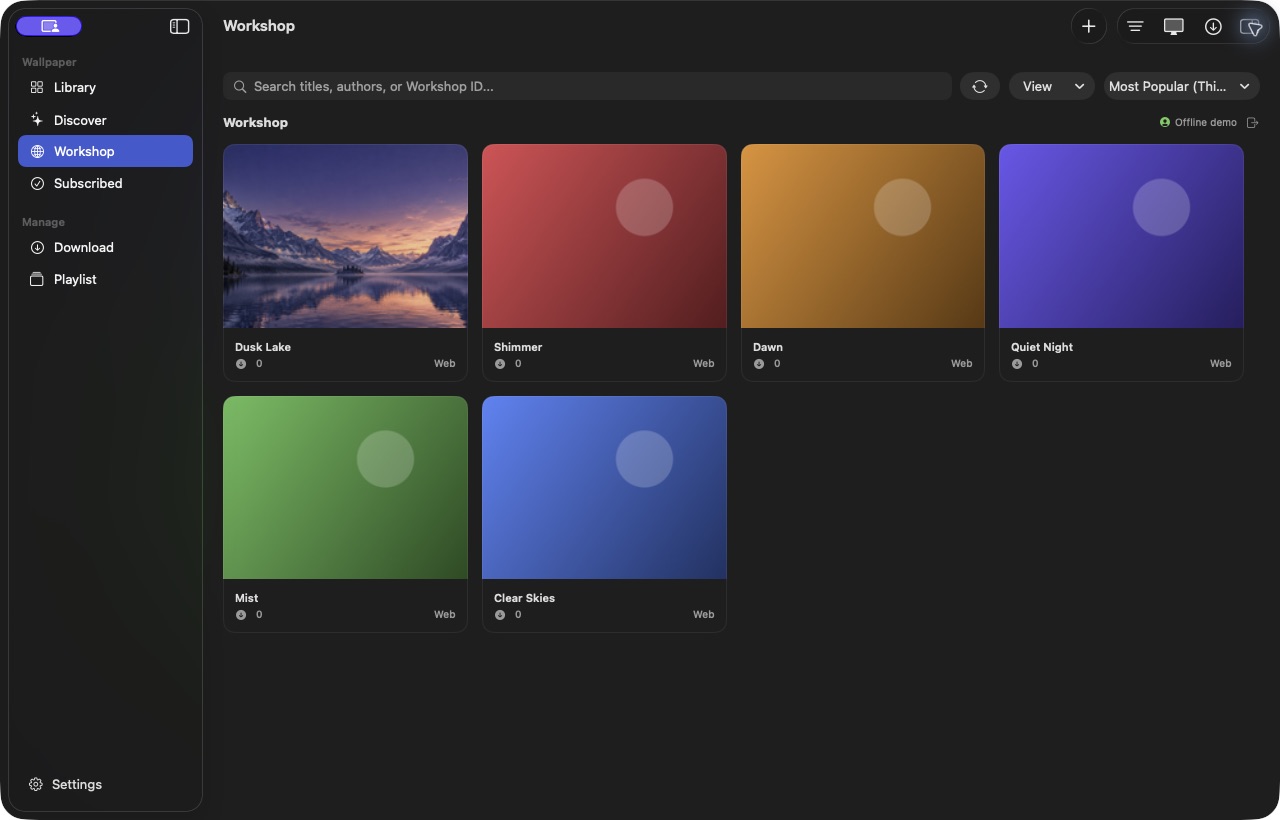
Browse popular wallpapers, new releases, and categories on Steam Workshop. Discover, download, and apply in one smooth experience.2
A Steam account is required to sign in and download. Some items require access permissions.
Made for your day
Enjoy the moment. Stay focused when it matters.
Thoughtful details make the difference.
Multiple displays
Choose a wallpaper for each display.
Give work and inspiration their own space.

Smart playlists
Switch by time, day, or playback progress.
Or shuffle into something unexpected.
Smart playback rules
Working full screen, display asleep, or on battery?
Set wallpapers to mute, pause, or stop.
Screen Saver & Lock Screen
From your desktop to your screen saver and lock screen.
Keep your favorite scenery with you.2
A desktop to look forward to.
macOS 14.2 or later · Apple silicon only
Motiscape is a native live wallpaper manager for macOS. It supports scene, video, and web wallpapers, with a library, per-display settings, playlists, and custom playback rules. It also supports Steam Workshop, screen savers, and animated lock screens.2
Motiscape supports only Macs with Apple silicon running macOS 14.2 or later. Screen savers and experimental animated lock screens have additional system requirements. See the settings in your version for details.2
Yes. Import wallpaper folders containing project.json, or local MP4, MOV, and M4V videos. Convert videos into local wallpaper packages, then adjust volume, speed, and how they appear on screen.
Scene, web, and video wallpapers are currently supported. Scene compatibility is still improving. Complex effects, scripts, and materials may look different, and full compatibility with every wallpaper is not guaranteed.
Resource use depends on wallpaper complexity, resolution, and playback settings. You can pause or stop playback when an app is full screen, the display is asleep, or your Mac is on battery, and mute wallpapers when another app plays audio.
Install the relevant plugins to enable Steam Workshop, song information, screen savers, and animated lock screens in the App Store version.
.app in a permanent location such as Applications, then open it once in Finder to complete the initial confirmation..app, and wait for the configuration confirmation.You can download the full version of Motiscape directly from this page.